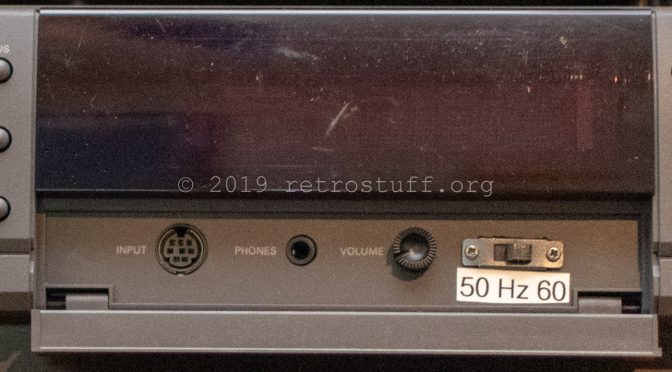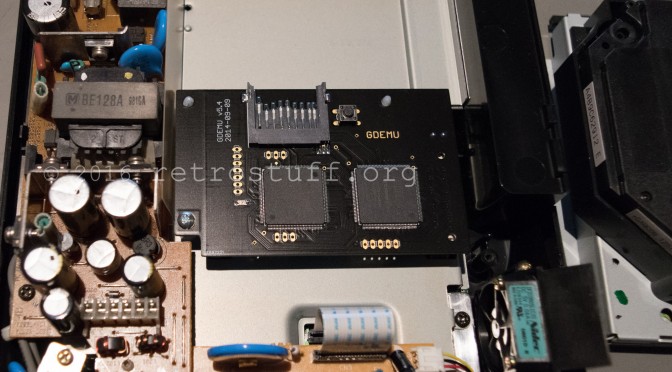
Just recently my GD-ROM drive stopped reading Discs. It’s time to try something new: GDEMU
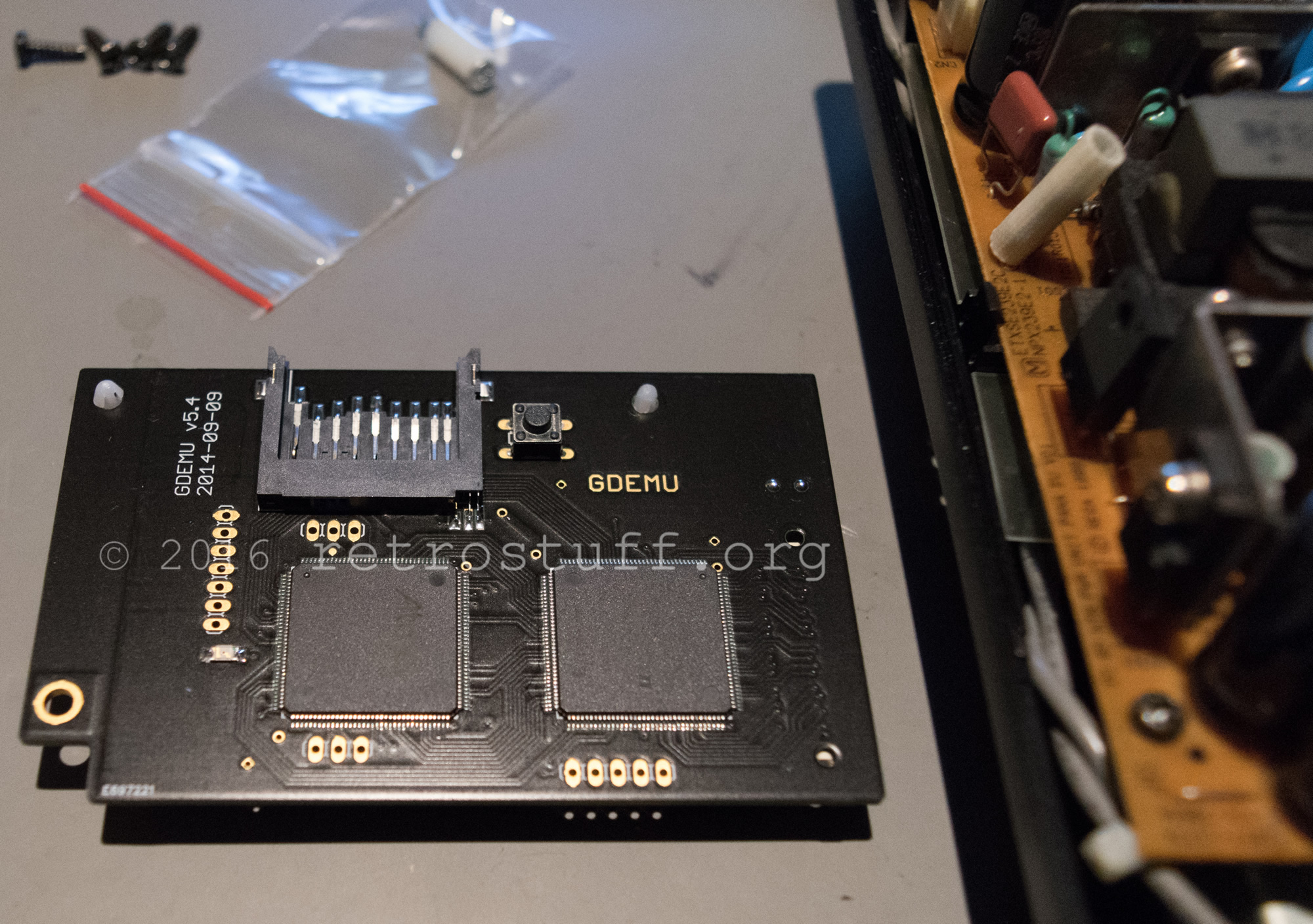
Continue reading Sega Dreamcast repair With GDEMU, PSU and Battery Mod

Modification
Just recently my GD-ROM drive stopped reading Discs. It’s time to try something new: GDEMU
Continue reading Sega Dreamcast repair With GDEMU, PSU and Battery Mod
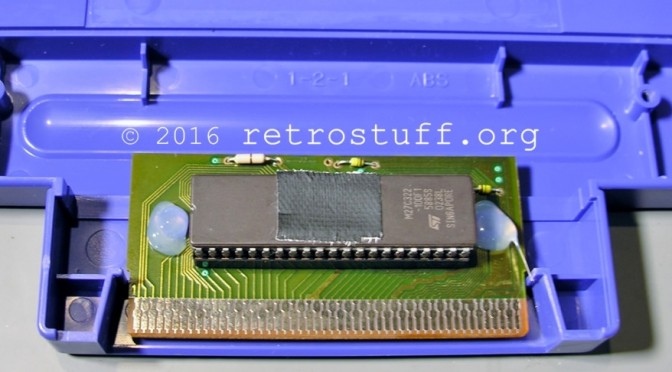
This has been figured out and posted by TeamEurope in 2012 (link, link via link). Unfortunately, the original document has vanished from the WWW. I’ll try to recreate this tutorial here:
The original document suggested to use Sesame Street: Alphabet Avenue as donor cart and pointed out to use an „Assembled in Mexico“ cartridge. As you can see, a regular US cartridge won’t do the trick.
Continue reading Sega Pico Flash Cart Tutorial
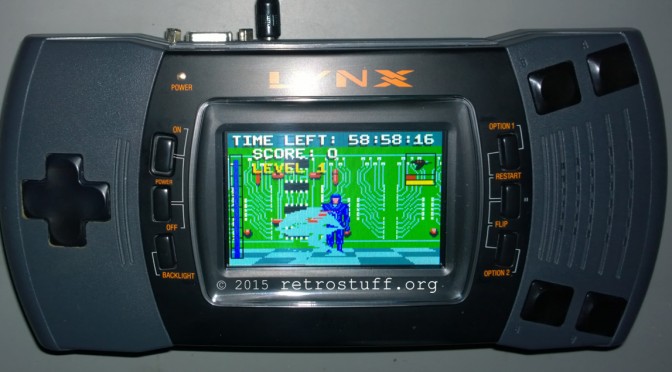
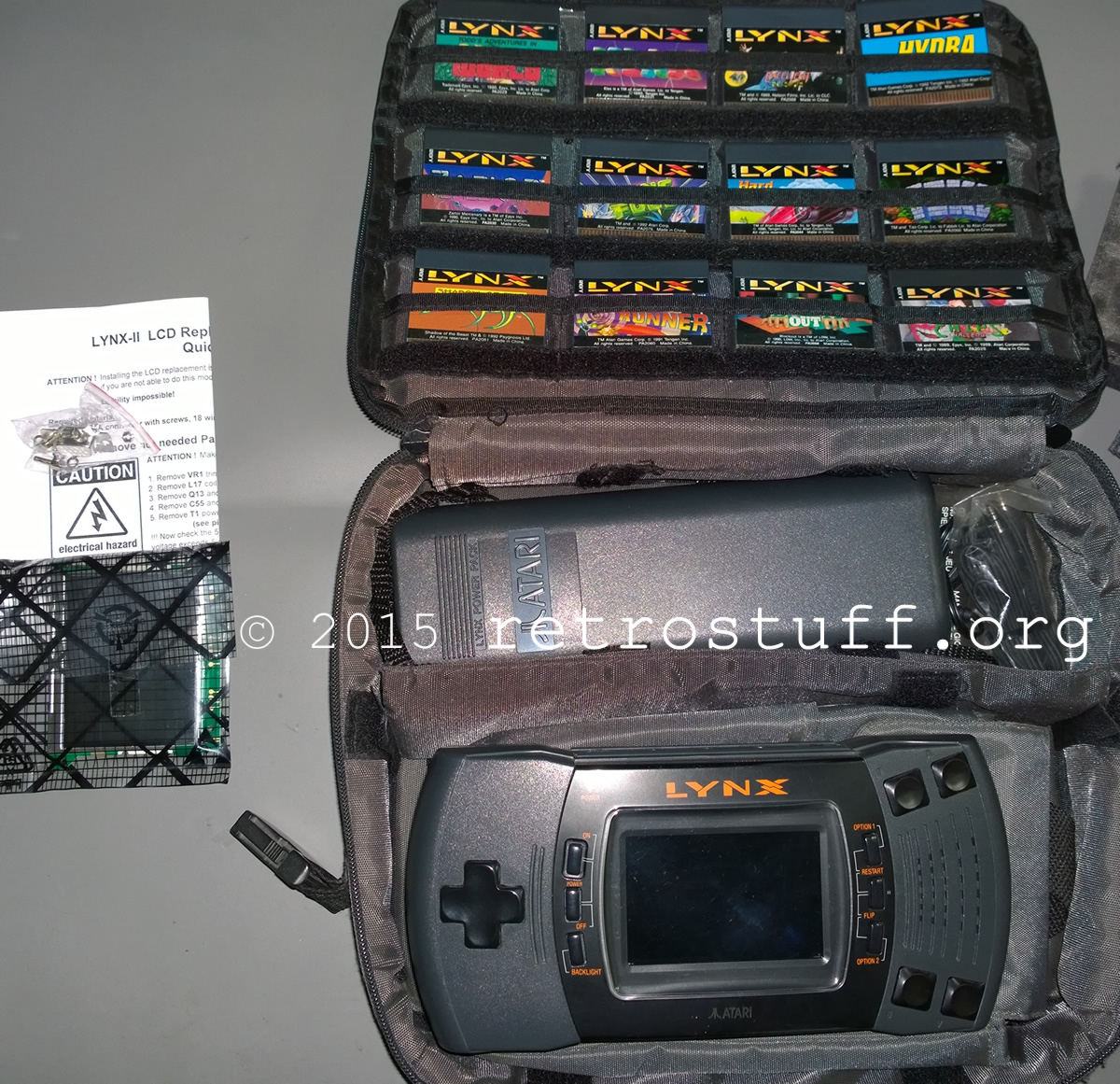
Replacing the aged Lynx screen with a new LCD screen is simple. All you need is an Atari Lynx II and the LCD screen kit by McWill (and optionally, a 5 V regulator).
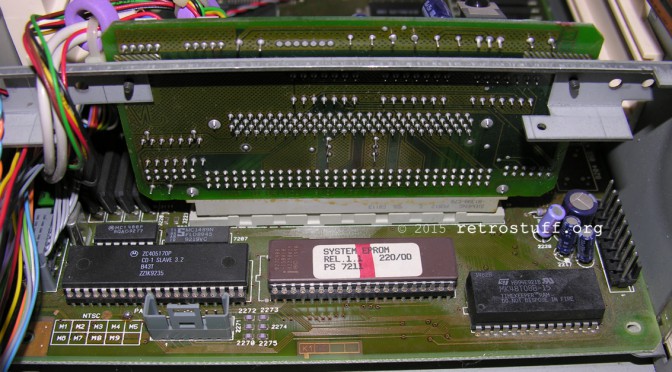
Recently I found a CDI 220/00 with Mini MMC mainboard. It’s a heavy and bulky unit that contains lot of PCBs, wires, screws and metal parts. It’s one of the first consumer CD-i players. Later models have all components on one single mainboard (Mono).
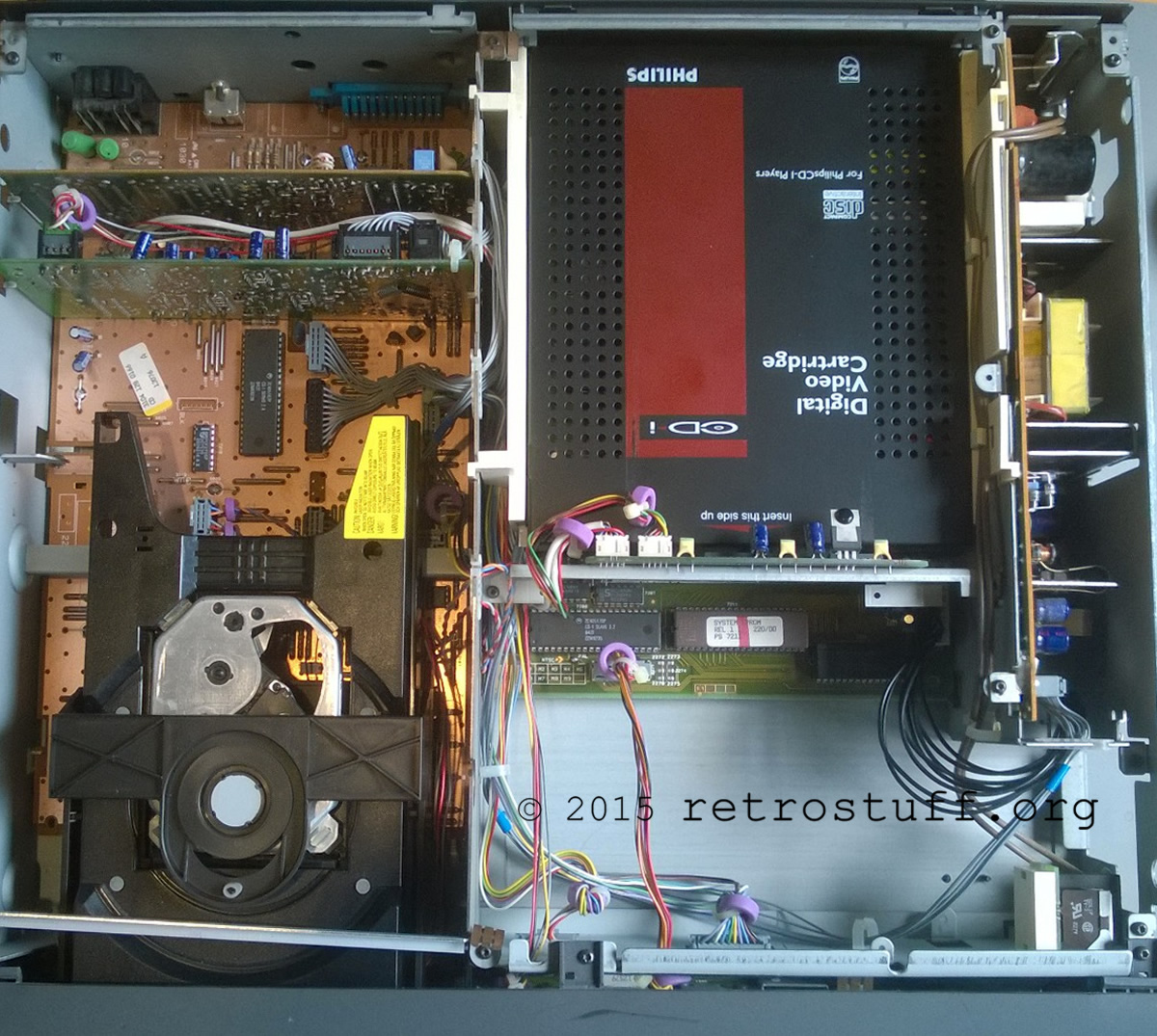
Continue reading Philips CDI 220/00 Mini MMC 60Hz Modification and Timekeeper Replacement
A fully playable translation of Rent a Hero has been released last month. Let’s transfer it to a Mega Drive cartridge using this tutorial.
First, you need a cheap donor cartridge with SRAM memory, e.g. World Cup USA ’94, and remove the mask ROM. If the battery cell is empty, remove it too:

Continue reading Rent a Hero Translation for Sega Mega Drive
Even though there are still a few unfinished projects lying around, I wanted to complete this Atari Jaguar mouse adapter before the end of the year.
Here’s a list of the things needed:
Five months after the v500/v500a firmware removed all homebrew capabilities, while SNK Playmore and Tommo are busy arguing about the contract they once made, finally a jailbreak hack has been released. On the Facebook page Neogeoxjailbreakhack you’ll find links to the hacked image (based on the v500a firmware), instructions and sample content for a SD card with settings for many emulated consoles and arcade systems.
Systems supported so far: Nintendo Famicom/NES, Super Famicom/SNES, Game Boy Advance, Game Boy/Game Boy Color, Sega Mega Drive/Genesis, Master System/Game Gear, Atari 2600, Capcom CPS1/CPS2, Sony PlayStation, SNK Neo Geo.
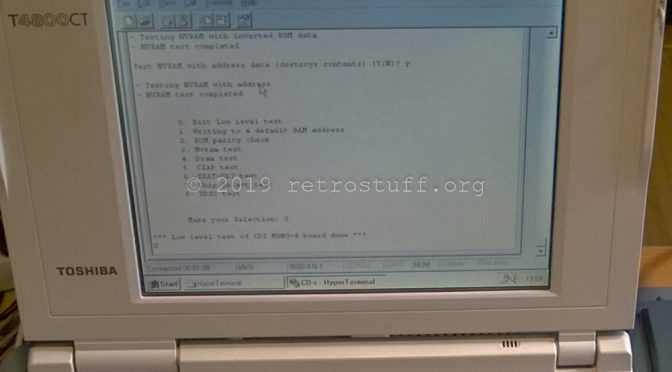
Before messing with the Timekeeper chip or exchanging the battery, it is very important to back up game saves you don’t want to lose from the NVRAM. With a null-modem cable hooked up to a PC, there are two options to communicate with the CD-i player:
To build a cable, we need a standard serial extension cable and a male 8-pin Mini-DIN connector. Remove the male D-Sub connector and keep it for later (we will need it for the Atari Jaguar mouse adapter).
Continue reading Philips CD-i Player Null-Modem Cable for Data Backup and Restore
When looking for a modification to improve the video size/quality of DVC games on my PAL CD-i player, I’ve found that only two tutorials are covering that kind of modification (here / here and here). The modification enables a PAL player to display full screen video without the black bars on top and bottom. NTSC players benefit from this modification too, as there are PAL exclusive software titles that already have full screen video (e.g. De Zaak van Sam) – without the modification, parts of the screen are cut off.
Unfortunately, the mainboard of my CD-i 220 differs from those used in the tutorials, so I had to get a service manual to figure it out myself. The service manual I found is valid for the Philips CD-i players CDI 220/20 220/25 220/39 (PAL) and CDI 220/31 220/37 (NTSC). It says there is an unimplemented switch 1201 in square C6 of the mainboard:
Continue reading 60 Hz Modification Tutorial for Philips CD-i Player CDI 220/20
Today I received a X-Card GOLD Pack by Neslou. The X-Card is a fool proof solution to play custom content on a Neo Geo X. This is what I got:

A Neo Geo Pocket game case containing the X-Card, a 4GB microSDHC card with adapter, an USB reader, four stickers and a signed note.