Tag Archives: Mono II

Philips Mono II Mainboard

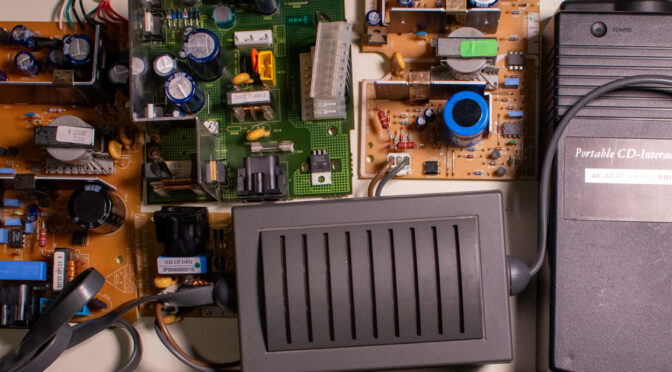
Philips CD-i Power Supply Units

The aim of this article is to compile a comprehensive documentation of all known power supply units for Philips CD-i players. It is a work in progress and will be updated with new information at regular intervals. I welcome feedback, especially if you discover an error or can contribute additional information.

Frequently asked questions concern the operational safety of a model in different countries and the location of fuses. To answer these questions accurately, you need to know the specific built-in or external power supply associated with the model, version and revision of the player. The grouping by mainboard/hardware generation provides a clear overview, as already shown in the article Modifications for Philips CD-i players.

The documentation of the fuses in the Mono III and IV generations began years ago with the article Philips CD-i Mono III / IV Fuses, and it was always the plan to summarise it in a more comprehensive article covering all generations.

This article now follows that approach and presents specifications, information on fuses, compatibility and possible modifications. It summarises all relevant data from the previously mentioned articles.

Continue reading Philips CD-i Power Supply Units
NVRAM+RTC Solutions for Philips CD-i Players

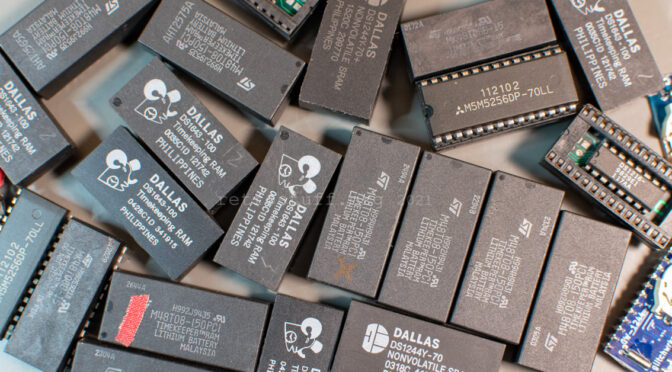
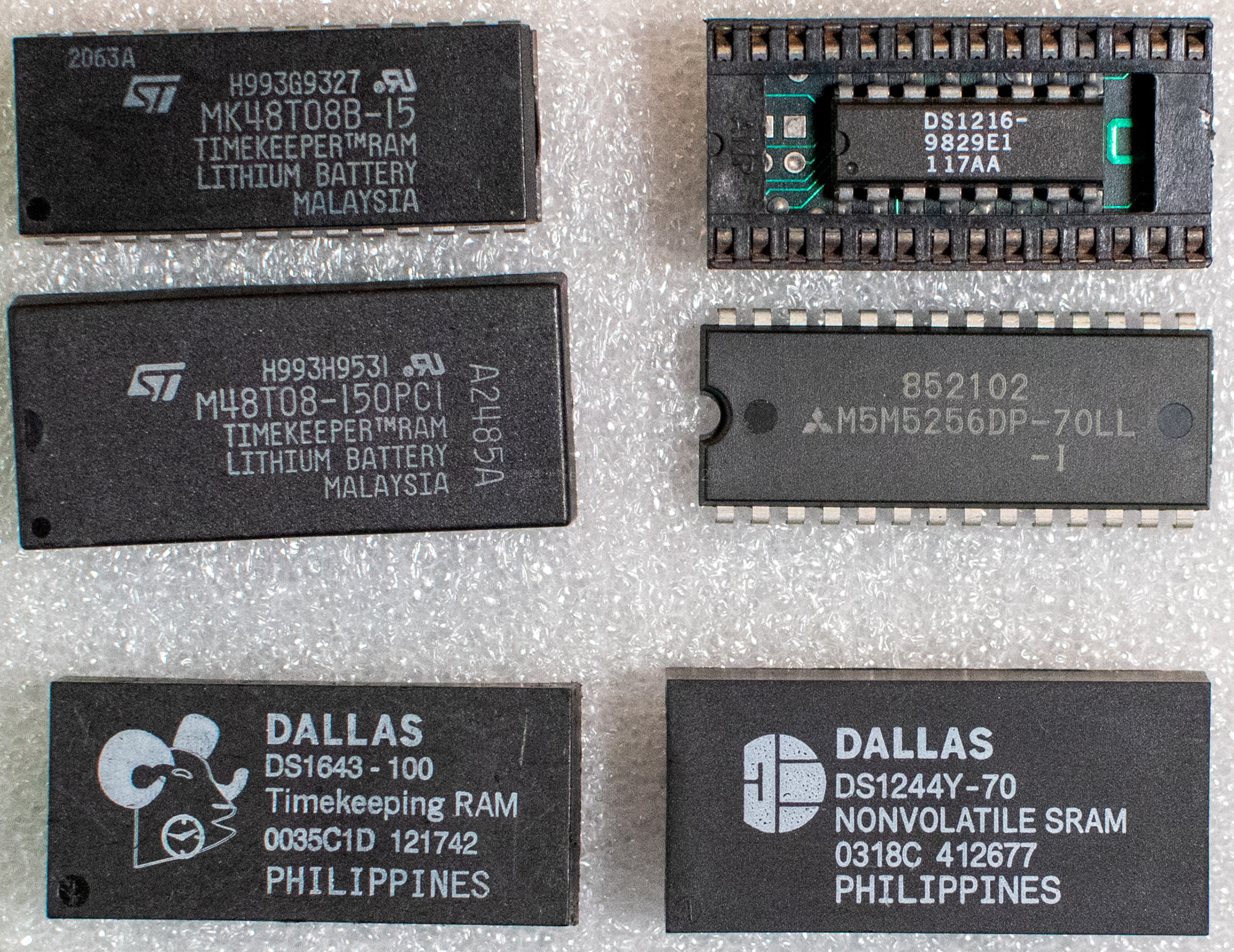
There are two main types of NVRAM+RTC solutions for Philips CD-i players to store user data and settings: 8 KB and 32 KB. They have a built-in battery that powers the non-volatile memory and the real-time clock. These two types are not compatible and thus cannot be replaced with each other (at least, not without hardware and/or ROM modifications).
There are other types, also 8 KB and 32 KB, but they concern only very few and rare devices. I point them out when necessary.

In this article, you’ll find information about the different NVRAM types and their alternatives. You’ll also find tips for repair and upgrades. If this looks familiar to you then you have probably read parts of it in my Modifications for Philips CD-i Players article before. Since the NVRAM section grew so large, I’ve completely rewritten it and will continue to update it in its own article.

Philips CD-i 8 and 32 KB NVRAM
Continue reading NVRAM+RTC Solutions for Philips CD-i Players

Back Up and Restore NVRAM Data With CD-i Link

This article is a follow-up to my article from 2013 and explains how connect a Philips CD-i player to a modern Windows PC and how to back up and restore NVRAM data with CD-i Link. The other option CD-interlink is covered in this article.

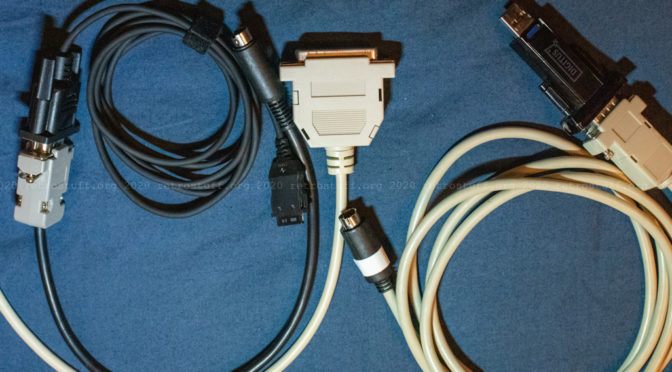
Back then, I built a null-modem cable which I still use today. Over the years I’ve used it to connect all my CD-i players to PCs and portable devices for data transfer and debugging purposes. However, some models required additional adapters and/or different connectors.

Cables and setup

For most Philips CD-i players you will need to make a null-modem cable with Mini-DIN-8 and DE-9F connectors according to the CD-i Nullmodem Cable Specification found on this page. The Mini-DIN-8 connector goes into the back port of the player (usually labelled INPUT 2, RS-232 or SERIAL I/O).

Continue reading Back Up and Restore NVRAM Data With CD-i Link

Modifications for Philips CD-i Players

This is an attempt to collect all known and available modifications for Philips CD-i players in a single article. Consider it a work in progress – I will add new information from time to time. Please give feedback if you find an error or want to add something to this article.

Due to the plethora of different models, versions and revisions of CD-i players that have been sold under the Philips / Magnavox or entirely different brands (OEM), it is virtually impossible to create one big list that contains every player. I chose a different approach with several lists to cover most of the hardware combinations: Available modifications, mainboards, and video encoders.

Continue reading Modifications for Philips CD-i Players

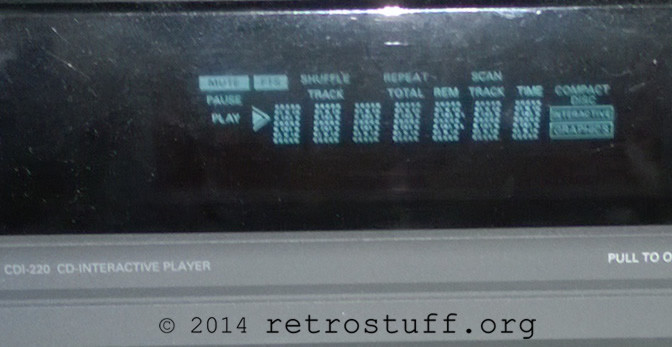
Philips CDI 220 Service Software / Self-Test

Chapter 5 of the Philips CDI 220 service manual (the manual that helped finding the right spots for the 60 Hz modification) deals with the built-in service software:

5 SERVICE SOFTWARE
In the set there are 3 different testsoftware available:
1. FTD-display/keyboard test
2. Low Level test
3. Service Shell

I’m going to cite the instructions for 1. and 3. and add pictures or comments if needed (I’m not going to cover 2. as it requires an extra service pcb and/or terminal).
Note: The service manual is valid for the Philips CD-i players CDI 220/20 220/25 220/39 (PAL) and CDI 220/31 220/37 (NTSC). On other players/models the test instructions should be similar if not the same. Continue reading Philips CDI 220 Service Software / Self-Test

60 Hz Modification Tutorial for Philips CD-i Player CDI 220/20

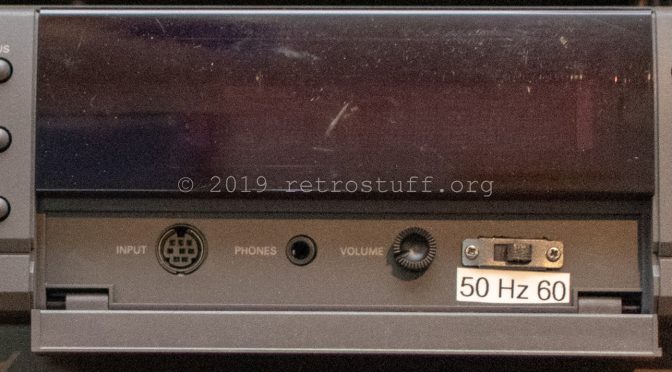
When looking for a modification to improve the video size/quality of DVC games on my PAL CD-i player, I’ve found that only two tutorials are covering that kind of modification (here / here and here). The modification enables a PAL player to display full screen video without the black bars on top and bottom. NTSC players benefit from this modification too, as there are PAL exclusive software titles that already have full screen video (e.g. De Zaak van Sam) – without the modification, parts of the screen are cut off.

Unfortunately, the mainboard of my CD-i 220 differs from those used in the tutorials, so I had to get a service manual to figure it out myself. The service manual I found is valid for the Philips CD-i players CDI 220/20 220/25 220/39 (PAL) and CDI 220/31 220/37 (NTSC). It says there is an unimplemented switch 1201 in square C6 of the mainboard:

Continue reading 60 Hz Modification Tutorial for Philips CD-i Player CDI 220/20